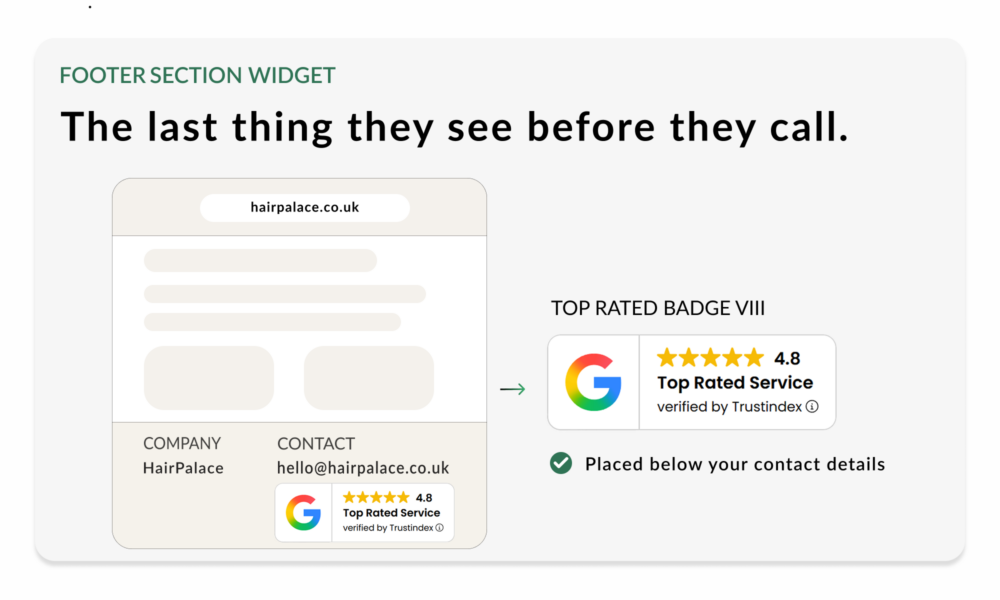
Get more calls and emails from your website footer
Use Top Rated Badge VIII below your footer contact details
The visitor who scrolls to your footer is not browsing anymore. They are looking for something specific: a phone number, an email address, a physical location, company details or another way to get in touch. The footer trust badge confirms you’re worth contacting.
GOOD TO KNOW
Trustindex Footer badges work well for businesses where visitors don’t add to cart, they look for a phone number, then call. Best for service businesses, clinics, agencies, local providers.
Are you the business they were looking for?
Many visitors never reach the footer. They leave, convert, or find what they need somewhere higher up the page. That moment is different from any other on the site. The visitor has already decided they’re interested. They just need to confirm one last thing: Is this a business worth contacting?
The footer visitor is not browsing. They are hunting for contact details. A trust badge placed right there answers the question before hesitation slows them down.
Footer badges are not high-traffic conversion elements. They work as a subtle credibility layer for visitors who reach the footer with clear intent.
Why Top Rated Badge VIII Works
A Trustindex footer badge works because it supports the part of the page visitors use to verify your business. It removes the last micro-doubt before someone picks up the phone or opens their email client. No prominence needed, just presence.
It works because it is:
High-intent audience
Footer visitors are self-selected; they’ve scrolled past everything else on purpose.
Placed beside contact details
The badge supports your phone number, email address, physical location, or company information at the exact moment visitors check it.
Visible without being distracting
No pop-ups, no interruption, minimal friction.
Useful for service businesses
Especially when visitors do not add to cart, but call, email, book, or request information.
SEO and GEO value
When placed alongside consistent company details, it contributes to a more complete business presence across the site.
The goal is not to make the footer your main conversion area. The goal is to make your contact details feel safer to use.
Where To Place Your Footer Trust Badge
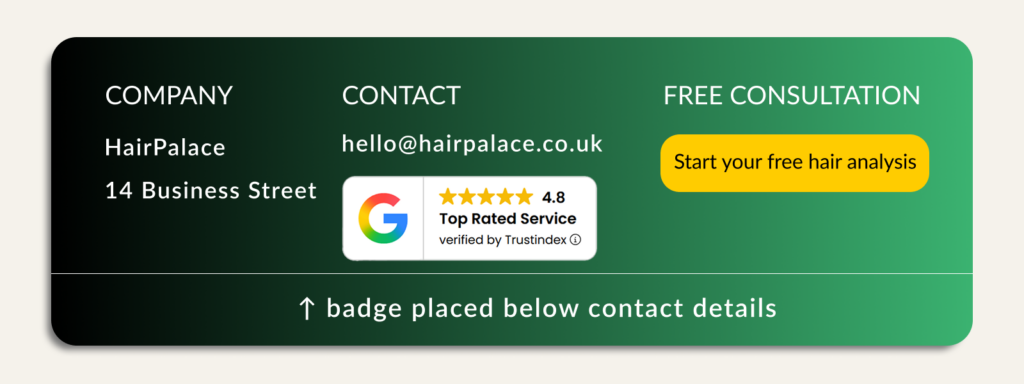
Place the footer badge close to the details visitors use to contact or verify your business. The badge should support the footer, not dominate it.
Use the Footer Badge VIII when you want visitors to see an immediate trust signal before they call or email.
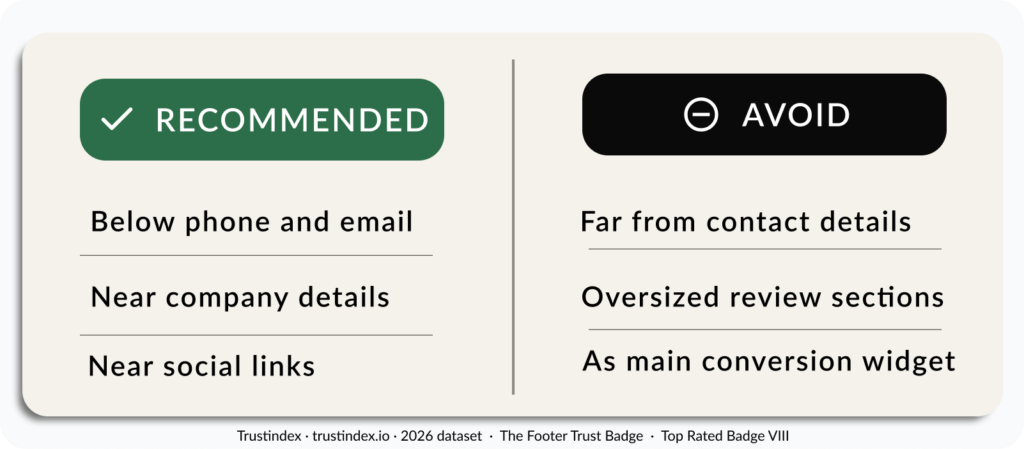
Recommended placements
- Below phone and email
This is the strongest placement. Visitors looking for a phone number or email address see the trust badge at the same moment. - Near company details
Use this when your footer includes your business name, physical location, legal details, tax number, or opening hours. The footer trust badge reinforces that this is a real, established business. - Near social links
Use this when your footer includes social media icons or review platform links. It can create a small credibility cluster without taking over the footer.
Avoid
- Placing the footer trust badge far from your contact details
If the badge sits in a random corner of the footer, it loses context. It should support the contact information directly. - Oversized review sections
The footer has limited space. Keep the badge compact, especially on mobile. - Treating it as your main conversion widget
A footer badge is useful, but it should not replace stronger placements such as the Hero section, contact page, product or service pages, or Sticky Review Certificate.
DESIGN NOTE
If your footer has a dark background, use a light badge version when available. This keeps the badge readable without making it feel visually heavy.
Quick Setup Guide for Your Footer Trust Badge
Add a trust badge to your footer in minutes. This is an advanced placement. Use it after your main conversion placements are already covered.
Make sure you have already connected your review sources. Link Google, Facebook, or any other platform. Trustindex aggregates automatically.
- Open the Trustindex dashboard
Go to your widget configurator and select Review Widgets. Click on Add. - Choose Top Rated Badge VIII
Select the layout that fits your footer design. Check the light variant if your footer has a dark background. Customize the badge to match your footer design. - Place below your contact details
Copy and paste the embed code. Add the badge to your footer template, positioned below your phone number or email address. - Check on mobile
Confirm the footer trust badge doesn’t push the contact details out of alignment on smaller screens. - Publish the page
Once it is live, the Top Rated Badge VIII gives visitors one more reason to feel safe contacting you.
Complete your site’s trust layer
The Footer Trust Badge supports calls, emails, and direct enquiries by making your business feel more legitimate at the exact place where visitors check how to reach you.