Get More Enquiries From Your Contact Form
Add Button III directly below your contact form.
Your contact page is where interest becomes intent. The visitor is already there. One question remains: “Am I making the right choice?” The Button III widget answers that question before they walk away.
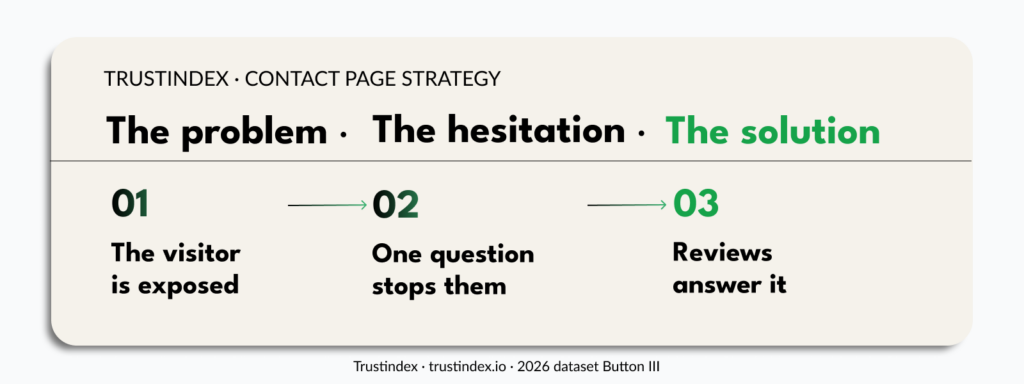
Visitors who reach the contact page are already warm. What they need is not another sales pitch, it is confirmation.
The contact form is where trust becomes personal
But there is one last barrier. We live in an era of data breaches, spam inboxes, and unsolicited sales calls. Filling in a contact form means handing over something real: an email address, a phone number, sometimes a budget or some details about yourself.
And for what? The visitor may only want to ask a question. That small exchange creates real friction.
Before they submit, a quiet question surfaces: “Will they actually respond?”, “Is this business really what it appears to be?”
If those questions go unanswered, the form can stay empty. Not because your offer was not strong enough. But because nothing confirmed trust at the exact moment it mattered.
This is where reviews placed beneath the form do something sales copy cannot.
They are not another claim from the business. They are other people’s experiences, visible exactly when the decision feels most personal.
Why The Button III Widget Works
It resolves doubt at the moment of commitment. Specifically, the Trustindex Button III widget provides that reassurance passively, without adding friction to the page.
Reviews work differently on the contact page than anywhere else.
On a product page, they inform.
On the homepage, they build ambient credibility.
On the contact page, they resolve doubt at its peak.
Right when the visitor is on the edge of a commitment.
One widget. Eight features
Placed at peak hesitation
Right when the visitor is deciding whether to submit, not before or after.
Instantly understood
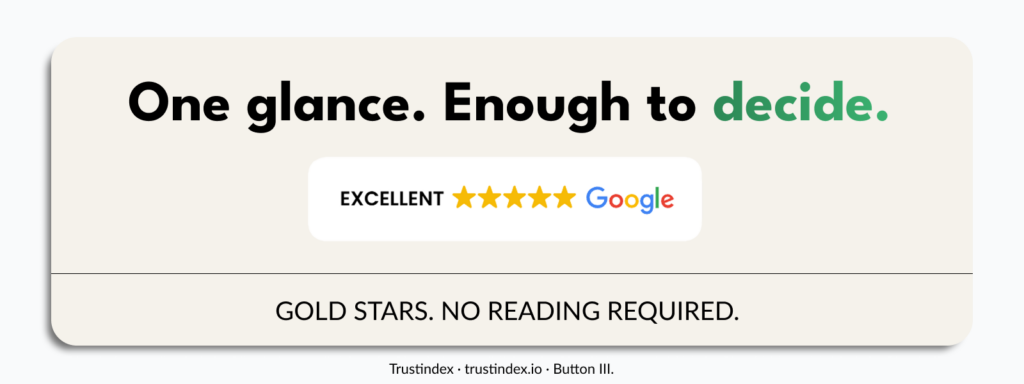
They don’t ask for anything; they simply confirm what the visitor is hoping is true. A score, stars, and a short review are processed in seconds, without reading.
Risk-reducing
Reaching out feels less like a gamble when others have clearly done it and had a good experience.
Compact
It adds reassurance without making the contact page feel crowded.
Expandable on click
Anyone who wants more proof can open the reviews without leaving the page.
Low-friction
It supports the action without blocking the form or competing with the submit button.
Mobile-friendly
It fits naturally below the form on smaller screens.
Form-friendly
It keeps the layout clean, so the reviews support the action without blocking it.
The goal is not to impress visitors with your reviews. It is to make them feel safe enough to press send.
A layout built for this moment
Not every widget format suits the contact page. You need something that fits below the form: visible, compact, and unobtrusive.
Button III : a compact trust button that opens reviews on click. Keeps the layout minimal while making proof available on demand.
Where To Place Button III On Your Contact Page
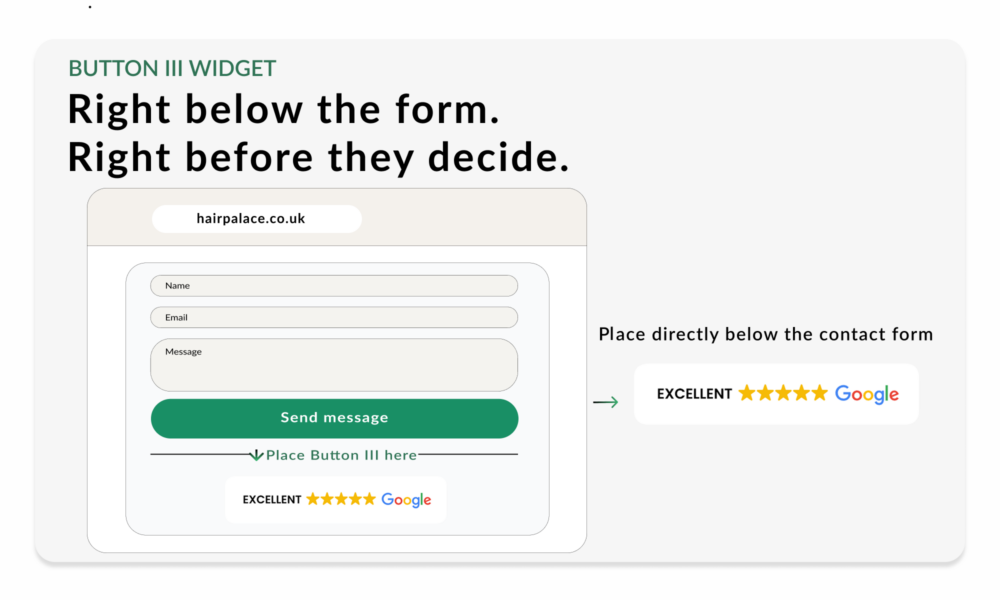
Place it directly below the contact form.
Close enough to reassure, small enough not to distract.
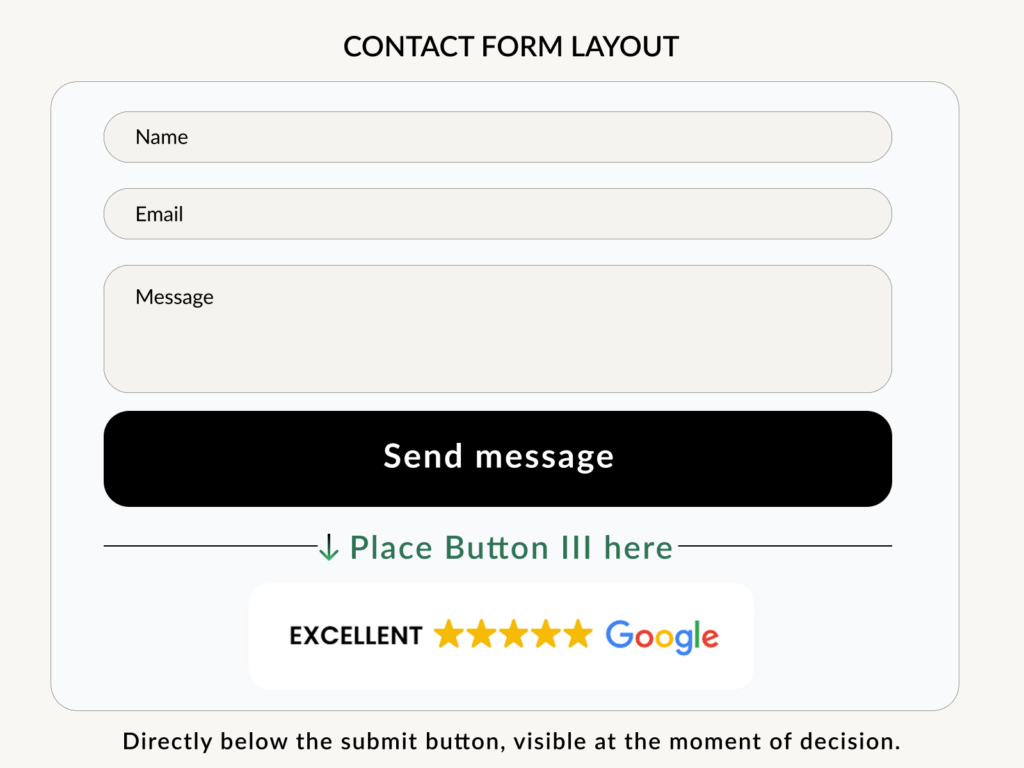
Place Button III directly below your contact form or submit button. This is exactly where visitors decide whether to complete the action. The widget should be visible at that exact moment, not a scroll away, not on a separate page.
Recommended placements
- Directly below the submit button
This is the strongest placement for Button III. Visitors see the review signal immediately after completing the form fields and before they leave the page. - Below short contact forms
The Button III appears after visitors read the form but before they submit, close enough to support the final decision. It provides reassurance without adding a large review section. - On mobile: Place Button III directly below the form
Check that it remains easy to see without covering the submit button or making the layout feel crowded.
Avoid
- Above the form
On contact pages, the form should be the first thing they see. - Placing it too far below the form
If visitors need to scroll to find the review signal, it appears too late.
Once it is live, the widget supports visitors at the moment they are closest to contacting you. It helps turn contact page hesitation into more completed forms, quote requests, bookings, and enquiries.
Quick Setup Guide
Add Button III below your contact form in minutes. No complex setup is needed. Configure Button III in the Trustindex admin panel, then place it directly below your form.
Make sure your review sources are connected. Link Google, Facebook, Booking, Airbnb, or any other platform. Trustindex aggregates automatically.
- Go to your Trustindex account
Open the Widget configurator. Select Review Widgets and click on Add. - Choose the Button layout and select Button III
Select Button III from the layout options and customize the design to match your site. - Add the widget below your contact form or submit button
Copy and paste the embed code. Position the widget in your page builder. On mobile, confirm it appears below the form and doesn’t cover the submit button. - Publish and check
Check on both desktop and mobile. Once live, the widget supports visitors at the moment they are closest to contacting you.
Give visitors one last reason to press send
Your visitors are already close. Button III gives them the final proof they need to feel confident taking the next step.