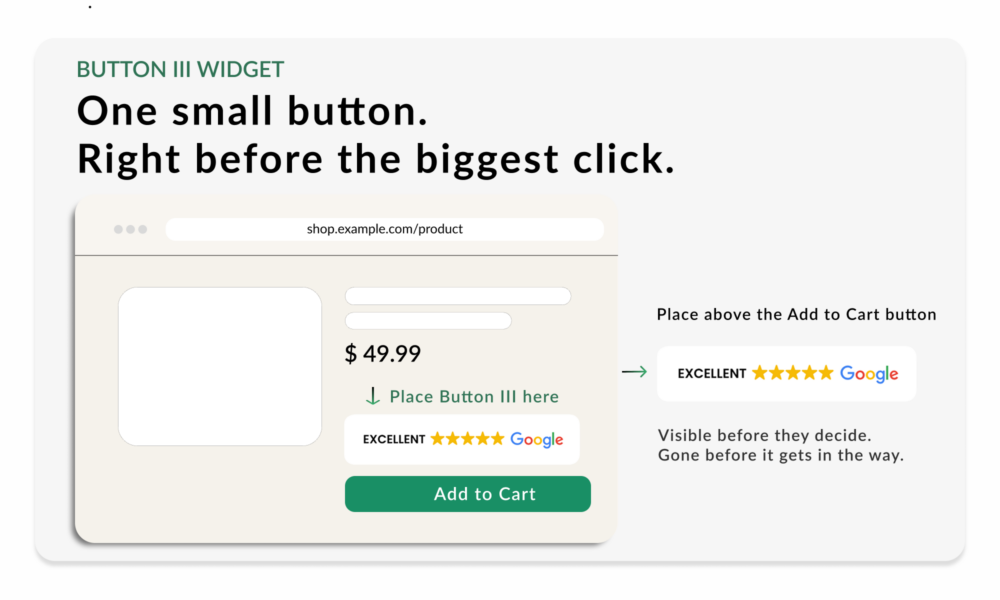
Convert hesitation into sales with Button III
One small button. Right before the biggest click.
Place Button III close to your product CTA to build trust at the moment of decision and help more shoppers complete their purchase with confidence.
Many Shoppers Pause Right Before Clicking Add to Cart
A shopper may already like the product, understand the price, and be close to buying, but still hesitate before taking the next step.
They don’t need more information about the product. They need reassurance that buying from your store is the right choice.
Even before checkout, a lack of confidence can stop shoppers from moving forward. They may leave the product page or postpone their purchase, and once a purchase is postponed, it may never happen.
Button III works as a last-second hesitation killer. It shows shoppers that others have already made the same choice and had a positive experience.
How Button III Helps Increase Purchases
Right before clicking Add to Cart, shoppers may still be weighing the value, the price, and the perceived risk of the purchase.
This is where Button III steps in, adding social proof at the exact moment shoppers are deciding. At first glance, they see an ‘Excellent’ rating, star icons, and a trusted review platform. Instant reassurance, no clicking required.
For hesitant buyers who need more convincing, the button can be set to redirect to your Review Summary Page on click, where shoppers find overall rating, total review count, verified badge, and connected review source in one place. Social proof does the work: more Add to Cart clicks, higher checkout conversion, less hesitation.
Why it works:
Gold stars catch the eye instantly
Shoppers recognize the rating at a glance, no reading required.
One click opens the full Review Summary
Shoppers can open the Review Summary Page in a new window to see the overall rating, all connected sources, and further details. Available when the Review Summary Page is enabled in settings.
Verified reviews build confidence
Ratings from Google and other review platforms feel more trustworthy than claims made by the store itself.
The compact format keeps the focus on your CTA
Button III fits neatly into the product page layout without competing with the buying action.
Reassurance at the product page, before checkout, can make customers less likely to reconsider later. Trust is established before the doubt has a chance to grow.
Put Button III Where Purchase Decisions Happen
Add Button III to every important product page, positioned where shoppers look right before deciding. It should be visible without scrolling on both desktop and mobile.
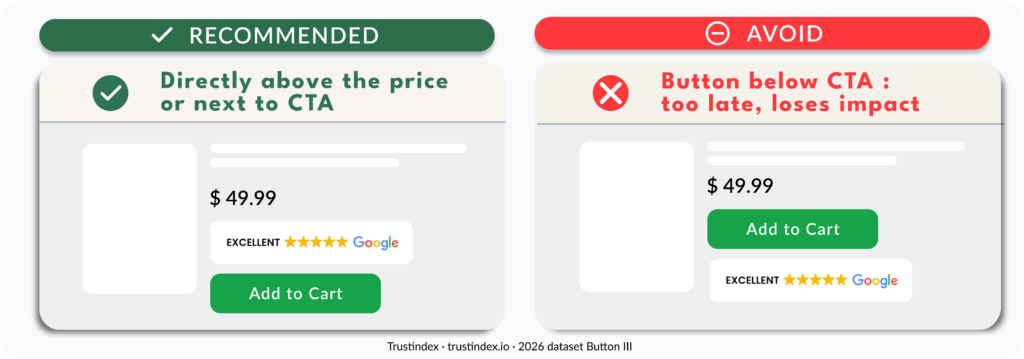
For the strongest impact, place it directly above the product price or next to the Add to Cart button.
Button III is compact by design. It supports your main CTA without competing with it.
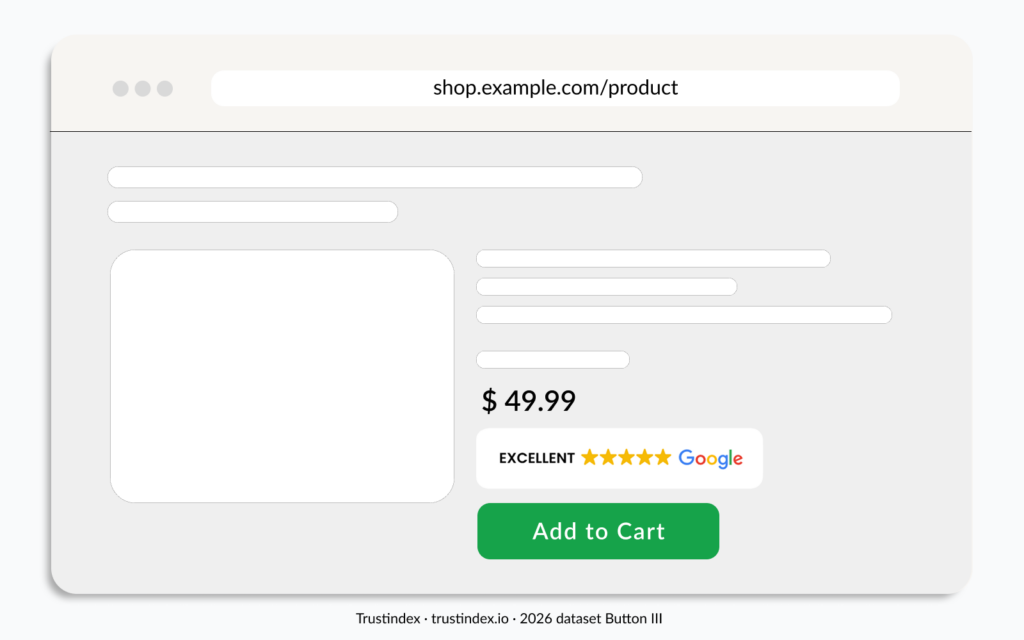
Recommended placements:
- Directly above the price
Sets a trust frame before the shopper even processes the cost. - Next to the main CTA
Works when your layout has enough horizontal space beside the button.
Avoid
- Crowding the CTA
Keep enough breathing room around the Add to Cart button. Button III should support the CTA, not compete with it.
Set Up Button III on Your Product Pages
Get Button III live on your key product pages in minutes. No developer needed. Configure in the Trustindex admin panel, then add it across your most important product pages.
- Open the Trustindex account
Go to your Widget configurator and select Review Widgets. Click on Add. - Choose Button III
Select the compact button layout designed to sit close to a product CTA. - Customize the Button
Use the editor to adjust the design, review platform, and display options. Leave the default Review Summary Page setting selected so shoppers can open the full review summary. Then click Save and copy the code. - Place it near the Add to Cart button
Copy and paste the embed code. Position Button III directly above the product price or next to the CTA. Keep it visible without scrolling on both desktop and mobile. - Publish across your product pages
Roll it out to every key product page, then check it displays cleanly on mobile.
Give shoppers one more reason to click Add to Cart and complete their purchase with confidence.