it works well for document writing when I need options instead of one final answer. i’ll ask for three tones, compare them, then clean up the best one. the workspace is simple - no big learning curve, just a few choices that matter.
the voice-enabled commands surprised me. I use them while sorting notes after calls, and they catch enough detail to be worth using. switching from a rough voice prompt to a cleaner written answer in another model feels smooth – kinda neat.
It works well, especially the centralized aI workspace and model availability indicators, but the first day felt a little crowded because there are so many model choices. Once I learned which models fit writing versus research, it got much smoother.
I use it for customer support replies in spanish, french, and english, and the 30+ languages support has been pretty reliable. the output still needs a human pass, but it cuts the first draft time down a lot. not perfect, just very handy.
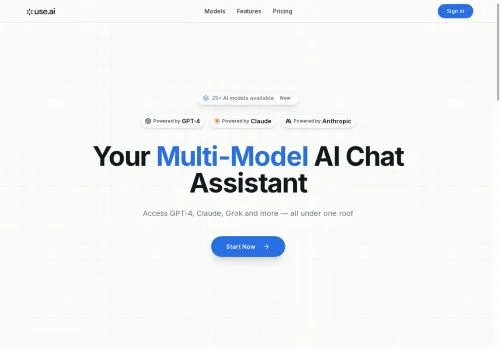
the centralized setup is what sold me. I can handle writing, quick translations, and research questions without bouncing around. model availability indicators are also helpful when something is slow or offline. it feels calmer than my old pile of bookmarked tools.
During team meetings, I paste rough notes in and switch models mid-chat to get a cleaner recap, action items, and a client-friendly version. The context stays in place, which saves a lot of rework. It feels built for actual workdays.
 Verified Company